Enterprise Vault Compatibility Charts and Latest Version: How to Check
By Virgil Dobos · · 2 min read
Almost every Enterprise Vault project starts with the same question: is this combination supported? A Windows Server upgrade, a new SQL Server version, an Exchange change or an Outlook update can all break archiving or retrieval if Enterprise Vault does not support it.
The answer lives in the Enterprise Vault compatibility charts (often called the compatibility matrix). This guide explains where to find them, what to check, and how to find the latest Enterprise Vault version.
What is the latest Enterprise Vault version?
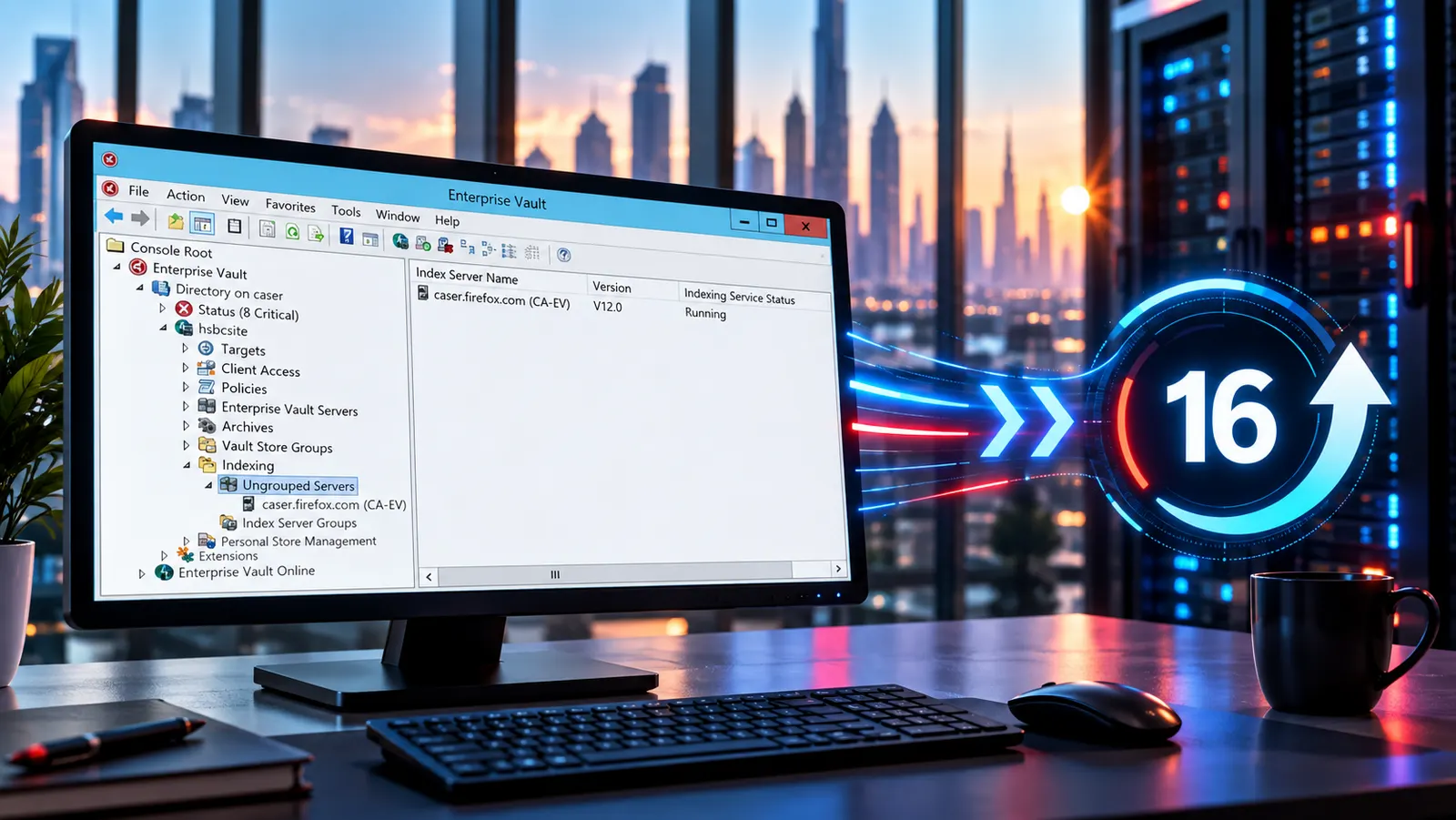
Enterprise Vault 16 is the latest major version (checked September 2026). Arctera releases updates and cumulative hotfixes within a major version, so confirm the latest release and its required updates in the Arctera documentation before you plan a change.
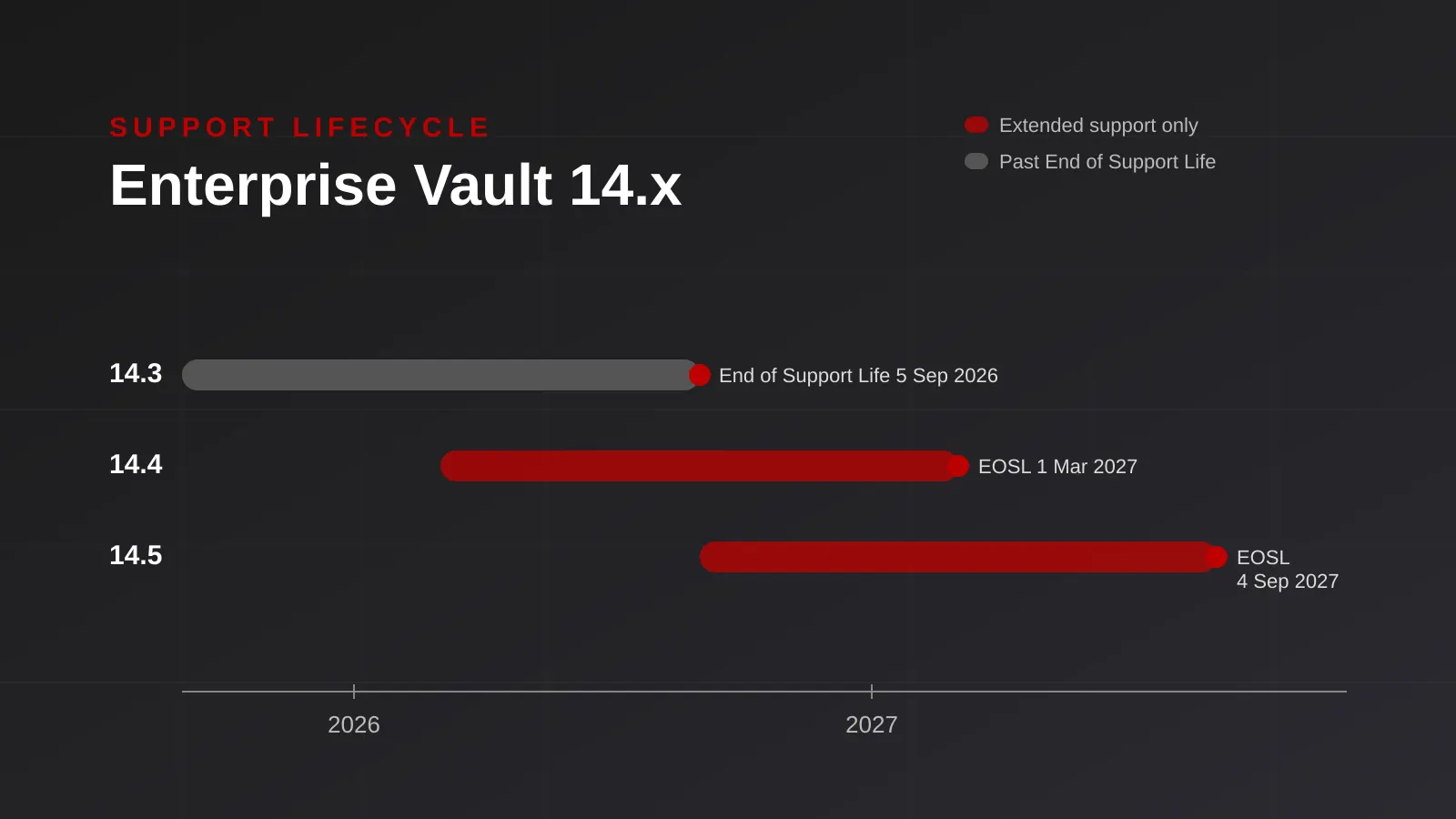
If you still run Enterprise Vault 14.x, note that no 14.x release has standard support left. See Enterprise Vault 14.x support: what GCC firms must do and the Enterprise Vault 16 upgrade guide.
Where to find the compatibility charts
Arctera publishes the Enterprise Vault compatibility charts with the product documentation for each release. Use the charts for your exact release, not the newest one: support for an operating system, SQL Server or Exchange version is listed per Enterprise Vault release.
Keep a dated copy of the chart you used with your change record. Charts are updated, and you want to know which version of the guidance your decision relied on.
What to check, component by component
| Component | What to confirm |
|---|---|
| Windows Server | The OS version and edition for every Enterprise Vault server role |
| SQL Server | The SQL version, edition and any required cumulative update for the Directory, Vault Store and other databases |
| Exchange / Microsoft 365 | The Exchange version and build, or Exchange Online support for the features you use |
| Outlook | The Outlook version, build, channel and bitness, and the matching Outlook add-in |
| Storage | Supported storage devices, WORM or retention features, and their firmware or software versions |
| Accelerators | Discovery Accelerator and Compliance Accelerator versions and their own prerequisites |
| Browsers and web search | Supported browsers for search and the web client |
| Backup | How your backup product protects Enterprise Vault data and indexes for this release |
Common traps
- Checking only the server. Client builds change monthly with Microsoft 365 Apps. An unchecked Outlook update is a common cause of retrieval and add-in problems.
- Assuming an upgrade path is direct. Some older releases need an intermediate step. Check the supported upgrade paths before scheduling.
- Forgetting dependent components. Accelerators, storage devices and third-party tools have their own support lists.
- Relying on an old chart. Always check the current chart for your release on the day you plan the change.
Let us check it for you
Virtech reviews your exact Enterprise Vault release, Windows, SQL, Exchange, Outlook and storage versions against the current compatibility charts, and gives you a written result before you make a change. It is often part of an Enterprise Vault health check or an upgrade plan.
Planning a Windows, SQL, Exchange or Outlook change?
Call +971 4 580 7555, WhatsApp +971 55 700 8578 or email sales@virtech.ae for a compatibility review.
Written by Virgil Dobos · Founder & CEO, Virtech
Questions about this topic?
Get a quick answer from our AI assistant, or send your question to a certified Virtech engineer.